QR Otter logoQR Otter
Solutions

Solution pages

Create a QR code for your business card

Make contact details easy to save. Create a free vCard QR code with your name, phone, email, company and website.

Create a free WiFi QR code

Let guests connect without typing your network name and password. Enter the details, download and test with a phone.

Payment QR code

Use a Payment QR code to move users from physical touchpoints straight to checkout, subscription, or donation flow.

LinkedIn QR code

Use a LinkedIn QR code to drive profile, company page, and hiring traffic from events, business cards, and sales collateral.

Instagram QR code

Use an Instagram QR code to convert print engagement into profile visits, campaign clicks, and social interactions.

MobilePay QR code

Use a MobilePay QR code for faster payment journeys from posters, counters, flyers, and event materials.

Dynamic QR code

Update destinations and measure scans without reprinting the visual QR asset.

Create your own QR code with images

Build branded QR designs with image-backed visuals while keeping scan reliability balanced.

QR code with logo

Improve brand trust with a logo-enabled QR setup and scan-safe defaults.

QR code PNG

Export high-quality PNG files for websites, social media, and campaign assets.

QR code for website

Drive direct traffic from print and signage to your key landing pages.

Static QR code

Use static QR codes for fixed destinations where simple deployment is the priority.

Pick the exact QR use case your audience is searching for.

See all solutions
Industries

Industry pages

Restaurants and menus

Best for cafes, restaurants, and takeaway brands.

Events and tickets

Best for conferences, expos, and ticketed event teams.

Retail and campaigns

Best for multi-store operations and campaign teams.

Manufacturing and logistics

Best for SOP-heavy operations and compliance workflows.

Real estate and signage

Best for agencies and property teams with frequent updates.

Start with the most relevant playbook for your team.

See all industries
PricingAI QRContact
Choose language
DAENDE
Log InStart for Free
QR Otter logoQR Otter
Choose language
DAENDE
Open menu
Solutions
Create a QR code for your business cardCreate a free WiFi QR codePayment QR codeLinkedIn QR codeInstagram QR codeMobilePay QR codeDynamic QR codeCreate your own QR code with imagesQR code with logoQR code PNGQR code for websiteStatic QR codeSee all solutions
Industries
Restaurants and menusEvents and ticketsRetail and campaignsManufacturing and logisticsReal estate and signageSee all industries
PricingAI QRContactLog InStart for Free

QR Otter

Platform for dynamic QR codes, tracking, and team collaboration.

Sales and support: hello@qrotter.com

CVR number: 46498143

Follow us: Facebook

Product

  • Pricing
  • Solutions
  • Industries
  • AI QR
  • What is a QR code?
  • Contact

Account

  • Log in
  • Create account
  • Forgot password

Legal

  • Privacy policy
  • Terms

© 2026 QR Otter. All rights reserved.

QR Code is a registered trademark of DENSO WAVE INCORPORATED.

Solutions

Create a MobilePay QR code

Find your official MobilePay QR code or customise a code for an existing payment link. Check the recipient and amount before printing.

This generator creates static QR codes in PNG, SVG, PDF or EPS. The code has no expiry date, but its contents cannot be changed later. A link works as long as its destination remains available.

Need to change the link after printing? Create a free account with 3 dynamic QR codes.
Create with AIOptional

Example: clean minimal retail style with earthy colors.

Guests can use up to 5 AI prompts daily. Create an account for more prompts, tracking, and saved QR codes.

Security check
Design
LIVE PREVIEW

Preview unavailable

Low Quality1080 x 1080 PxHigh Quality
More formats+

Why this QR solution?

A MobilePay QR code must lead to the correct recipient. QR Otter turns an existing payment link into a QR code; it does not create a MobilePay agreement or generate payment links from phone numbers. You can download a standard payment QR code directly from MobilePay.

Guest paying by phone after scanning a QR code in a cafe.

A faster payment journey from scan to confirmation.

Benefits

  • - Customise an existing payment link with your logo and colours.
  • - Download a free static code without an account in PNG, SVG, PDF or EPS.
  • - Use a dynamic code with an account to change the link after printing.
  • - Track scans of dynamic codes. Check completed payments separately in MobilePay.
Common use cases

  • - Counter signs displaying the recipient and payment code.
  • - Table cards using an association's own payment solution.
  • - Event posters explaining the purpose and recipient.

How to launch

  1. Step 1

    Sign in to the MobilePay business portal and select the sales unit that should receive payments.

  2. Step 2

    Open the Posters and QR code tab to download MobilePay's official code if you want its ready-made material.

  3. Step 3

    To design a code in QR Otter, obtain a valid payment link from your MobilePay solution. A phone number or MobilePay's general website is not a payment link.

  4. Step 4

    Paste the payment link into the generator, customise and download. Use an account if you need a dynamic code.

  5. Step 5

    Scan the finished file on iPhone and Android, check the recipient and any preset amount, and test a print at its intended size.

Personal use, associations and businesses

For personal use, start with the receiving options in the MobilePay app. For an association or business, use its own payment solution and correct sales unit. QR Otter cannot turn a personal phone number into a business payment solution.

QR codes with a fixed amount

MobilePay documents fixed-amount QR codes in its Get Paid app. Set the amount in MobilePay and test the code or link it supplies. Adding a price caption in QR Otter does not set the payment amount.

Print signs and table cards

Download SVG for scalable designs or PDF for an A4 test print. Add “Scan to pay”, the recipient and any relevant price. Keep the clear border around the code, use a plain background and test at the distance your customers will scan from.

Troubleshooting

If the code opens MobilePay's website, replace the destination with your actual payment link. If it opens the wrong recipient, correct the link or sales unit. For scanning problems, try a larger code, dark modules on a light background and a smaller logo. Test the finished printed material too.

  • Vipps MobilePay - QR
  • Vipps MobilePay - Get Paid

Download a sign for your payment QR

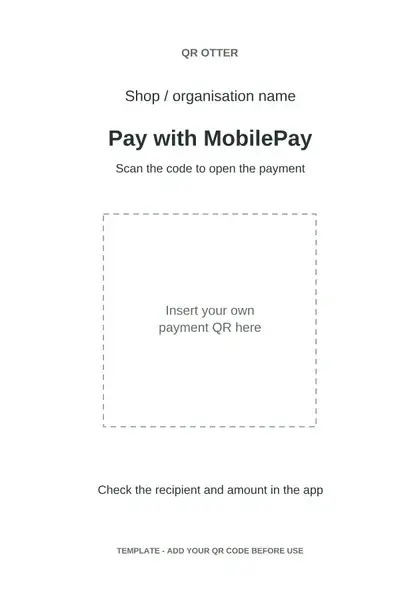
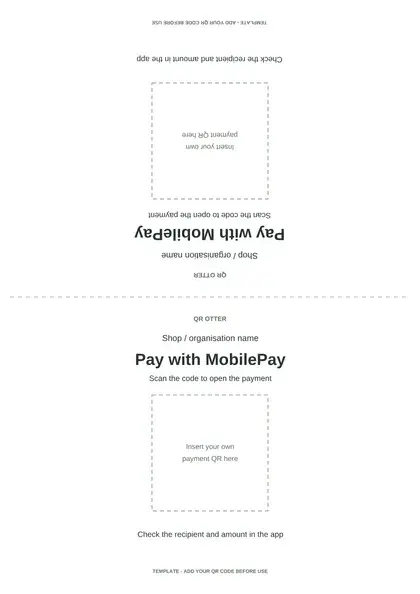
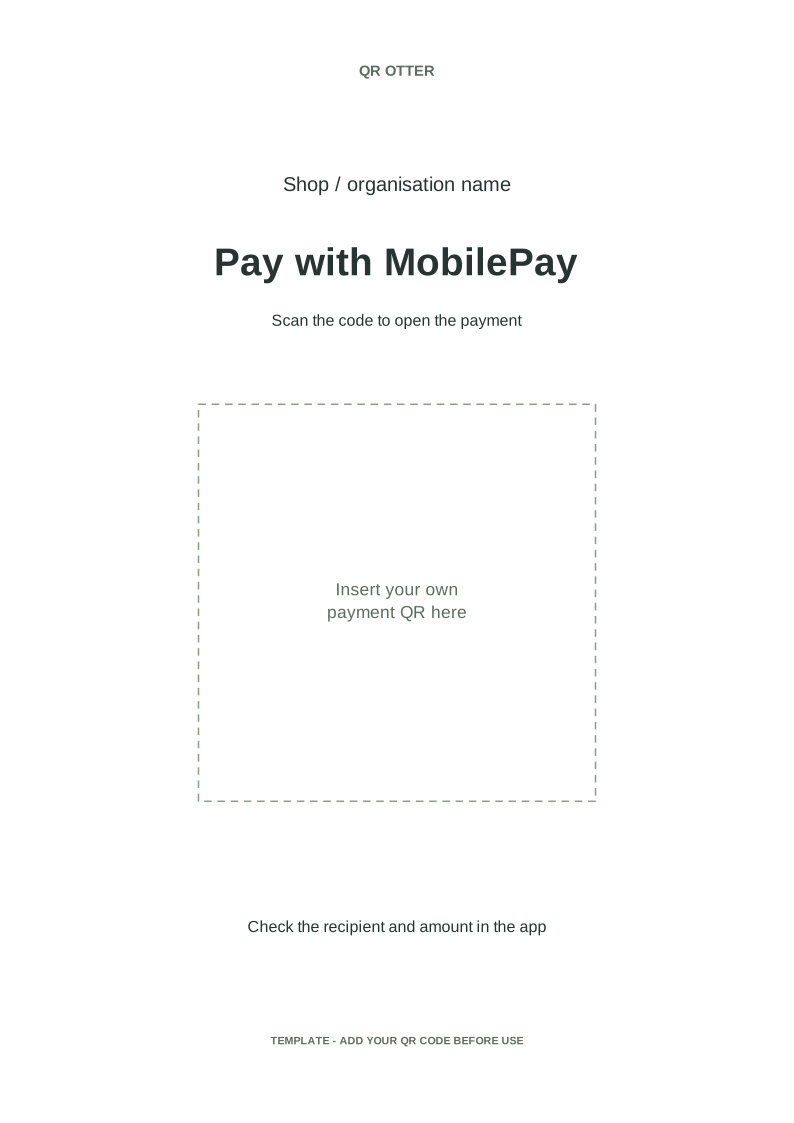
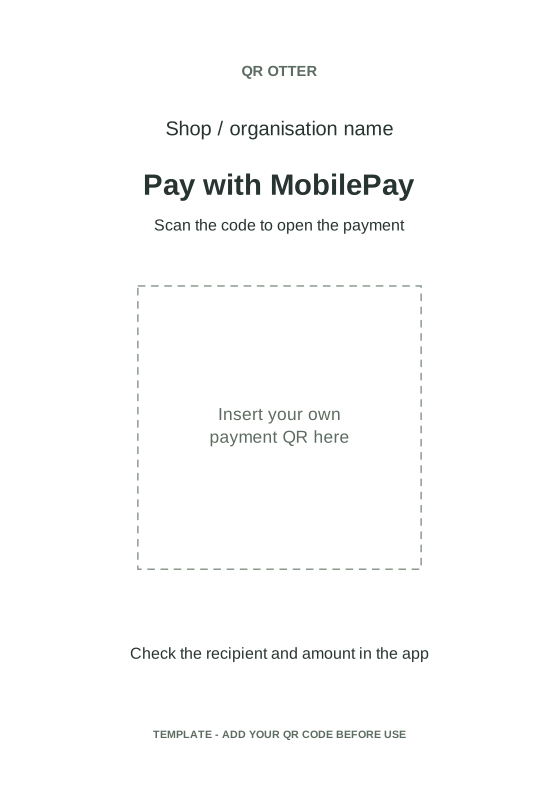
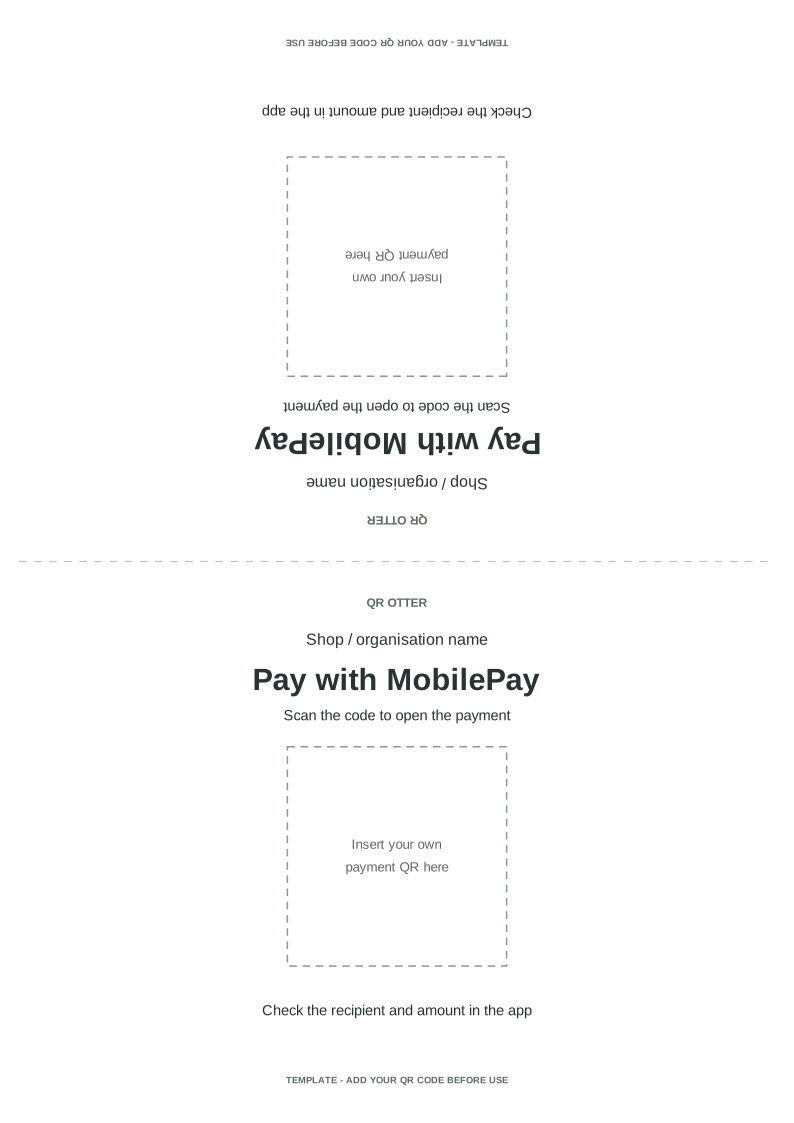
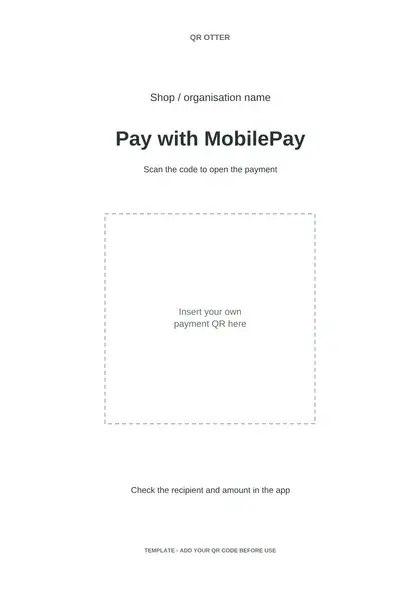
Choose A4, A5 or a folded table sign. Each template has a blank space for your own payment QR and cannot receive payments until you add it.

Sign template with a blank space for your payment QR

A4 poster

Download PDFDownload editable SVG
Sign template with a blank space for your payment QR

A5 sign

Download PDFDownload editable SVG
Sign template with a blank space for your payment QR

Folded table sign

Download PDFDownload editable SVG
  1. Get your payment QR from MobilePay. Follow the public guide below if you need help finding it.
  2. Open the SVG in an SVG editor and replace the labelled square and its text with your QR image. Keep the white border. Use the PDF in a PDF editor or print it as a background for your code.
  3. Add your shop or organisation name. Print at 100% size and fold the table sign along the dashed centre line.
  4. Scan the finished sign with several phones and check the recipient and any fixed amount in MobilePay.

MobilePay guide: Find your QR code and order stickers

FAQ

How do I create a MobilePay QR code?

Download the official code in the business portal or paste an existing payment link into QR Otter. Verify the recipient before sharing.

Is the QR code free?

Static QR codes in QR Otter are free without an account. MobilePay agreements and payment fees are separate.

Can I see completed payments?

QR Otter tracks scans of dynamic codes, not completed MobilePay payments. Check payments in MobilePay.

Can I change the payment link after printing?

Yes, if you create a dynamic code with an account from the start. A static code must be recreated and reprinted when its encoded link changes.

Can QR Otter generate a payment link from my number?

No. Use a payment link from your MobilePay solution or MobilePay's official QR code.

Related solutions

Editable QR codesQR codes with logosPNG downloads
Start freeBack to solutions