
QR Otter logoQR Otter
Solutions

Solution pages

Payment QR code

Use a Payment QR code to move users from physical touchpoints straight to checkout, subscription, or donation flow.

LinkedIn QR code

Use a LinkedIn QR code to drive profile, company page, and hiring traffic from events, business cards, and sales collateral.

Instagram QR code

Use an Instagram QR code to convert print engagement into profile visits, campaign clicks, and social interactions.

MobilePay QR code

Use a MobilePay QR code for faster payment journeys from posters, counters, flyers, and event materials.

Dynamic QR code

Update destinations and measure scans without reprinting the visual QR asset.

Create your own QR code with images

Build branded QR designs with image-backed visuals while keeping scan reliability balanced.

QR code with logo

Improve brand trust with a logo-enabled QR setup and scan-safe defaults.

QR code PNG

Export high-quality PNG files for websites, social media, and campaign assets.

QR code for website

Drive direct traffic from print and signage to your key landing pages.

Static QR code

Use static QR codes for fixed destinations where simple deployment is the priority.

Pick the exact QR use case your audience is searching for.

See all solutions
Industries

Industry pages

Restaurants and menus

Best for cafes, restaurants, and takeaway brands.

Events and tickets

Best for conferences, expos, and ticketed event teams.

Retail and campaigns

Best for multi-store operations and campaign teams.

Manufacturing and logistics

Best for SOP-heavy operations and compliance workflows.

Real estate and signage

Best for agencies and property teams with frequent updates.

Start with the most relevant playbook for your team.

See all industries
PricingAI QRContact
Choose language
DAEN
Log InStart for Free
QR Otter logoQR Otter
Choose language
DAEN
Open menu
Solutions
Payment QR codeLinkedIn QR codeInstagram QR codeMobilePay QR codeDynamic QR codeCreate your own QR code with imagesQR code with logoQR code PNGQR code for websiteStatic QR codeSee all solutions
Industries
Restaurants and menusEvents and ticketsRetail and campaignsManufacturing and logisticsReal estate and signageSee all industries
PricingAI QRContactLog InStart for Free

QR Otter

Platform for dynamic QR codes, tracking, and team collaboration.

Sales and support: hello@qrotter.com

Follow us: Facebook

Product

  • Pricing
  • Solutions
  • Industries
  • AI QR
  • What is a QR code?
  • Contact

Account

  • Log in
  • Create account
  • Forgot password

Legal

  • Privacy policy
  • Terms

© 2026 QR Otter. All rights reserved.

QR Code is a registered trademark of DENSO WAVE INCORPORATED.

Guide

What Is a QR Code? How QR Codes Work and What They Are Used For

A practical guide to QR technology, real-world use cases, and safer deployment.

Last updated: March 1, 2026

Person scanning a QR code from a physical touchpoint.

Table of contents

  1. 1. Introduction
  2. 2. What is a QR code?
  3. 3. How a QR code works
  4. 4. Error correction and robustness
  5. 5. Capacity and size
  6. 6. How to scan a QR code
  7. 7. Common QR code use cases
  8. 8. QR codes in marketing
  9. 9. QR codes for payments
  10. 10. QR codes for product information
  11. 11. Benefits
  12. 12. Drawbacks and common pitfalls
  13. 13. Security: quishing and fake QR codes
  14. 14. Why QR codes are still relevant
  15. 15. Conclusion

Introduction

A QR code is a two-dimensional barcode that can hold data such as a URL, text, or payment details. It can be scanned by a smartphone camera or scanner and acts as a fast bridge between physical and digital information.

QR codes were created in 1994 by DENSO WAVE and are standardized in ISO/IEC 18004, which makes the format broadly compatible and stable across devices and platforms.

For a neutral background summary, you can also see Britannica.

What is a QR code?

QR stands for “Quick Response”, highlighting fast recognition and decoding. A QR code is a square pattern of dark and light modules that a camera can decode.

Unlike traditional one-dimensional barcodes, QR codes can carry richer data and support multiple practical workflows.

How a QR code works

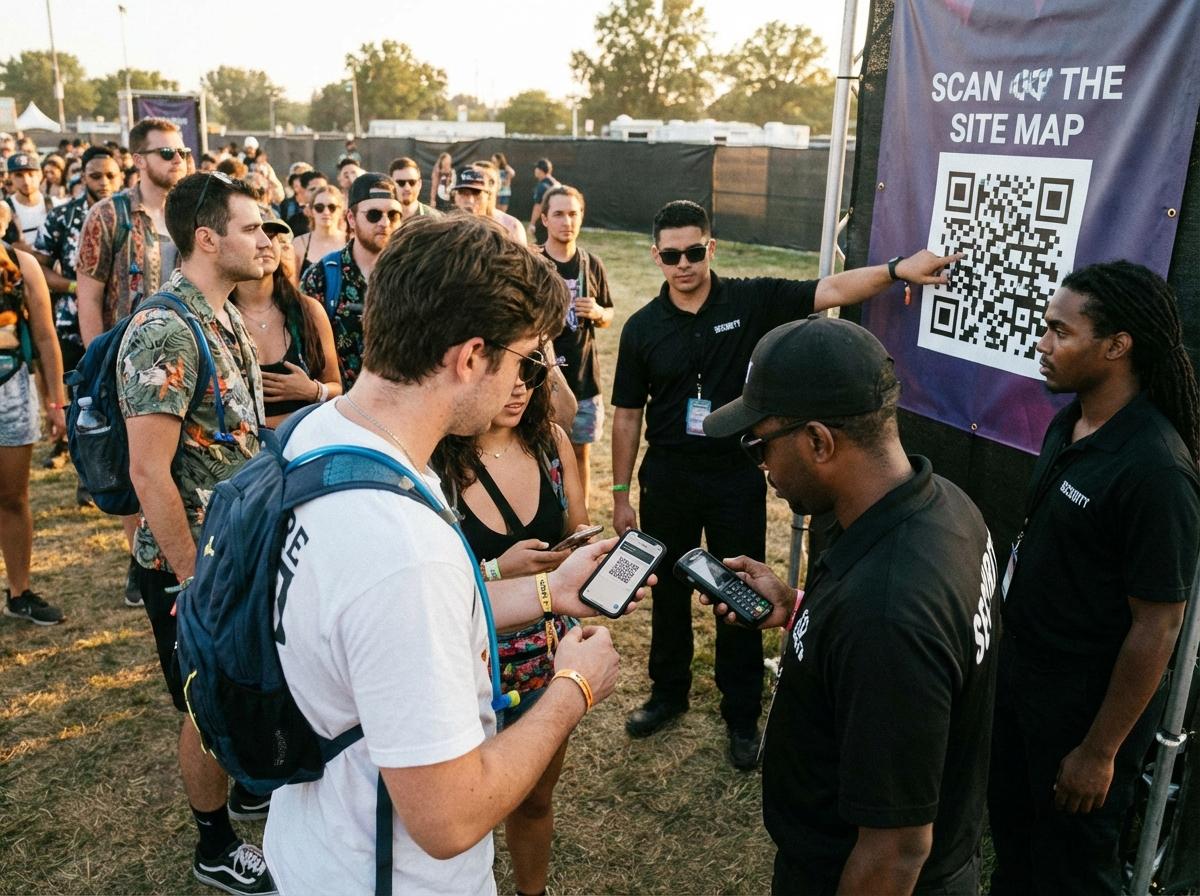
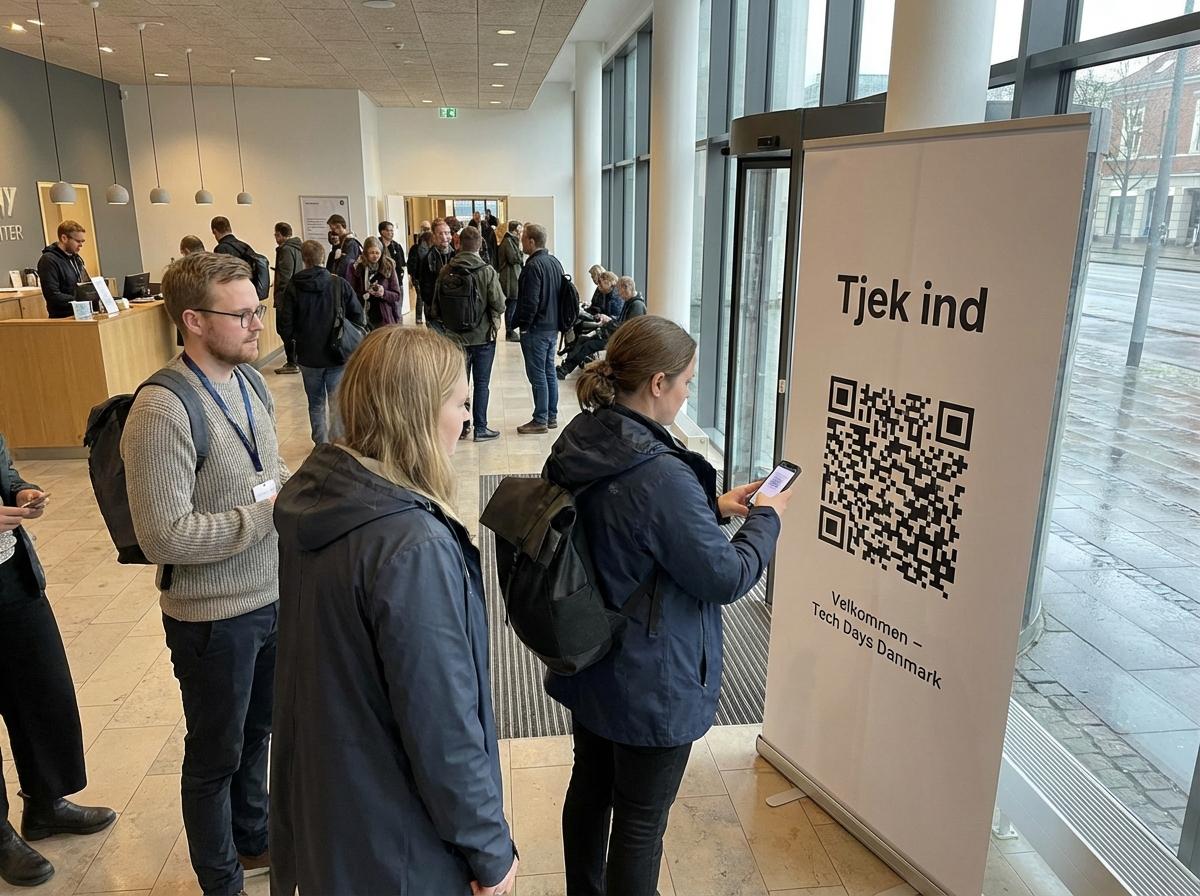
Event attendee scanning a QR code from signage.
Finder patterns make QR scanning quick and angle-tolerant.

A QR code contains payload data and structural markers that help a camera detect orientation and decode content correctly.

Corner finder patterns are a key reason QR scanning is fast and reliable even when camera angles vary.

Error correction and robustness

QR codes include built-in error correction, so they can often still scan even when partially damaged.

Common error correction levels are L, M, Q, and H. Higher levels improve resilience but can increase visual complexity.

Capacity and size

Capacity depends on symbol size, data type, and selected error correction level.

More payload usually means a denser code pattern.

How to scan a QR code

Most modern smartphones scan QR codes directly from the native camera app. Once detected, the phone usually shows a tappable link or action.

Common QR code use cases

Most business use cases fit into a few main categories:

  • - Website and landing-page access
  • - Payments
  • - Product information
  • - Event check-in and ticketing
  • - Customer feedback and reviews

QR codes in marketing

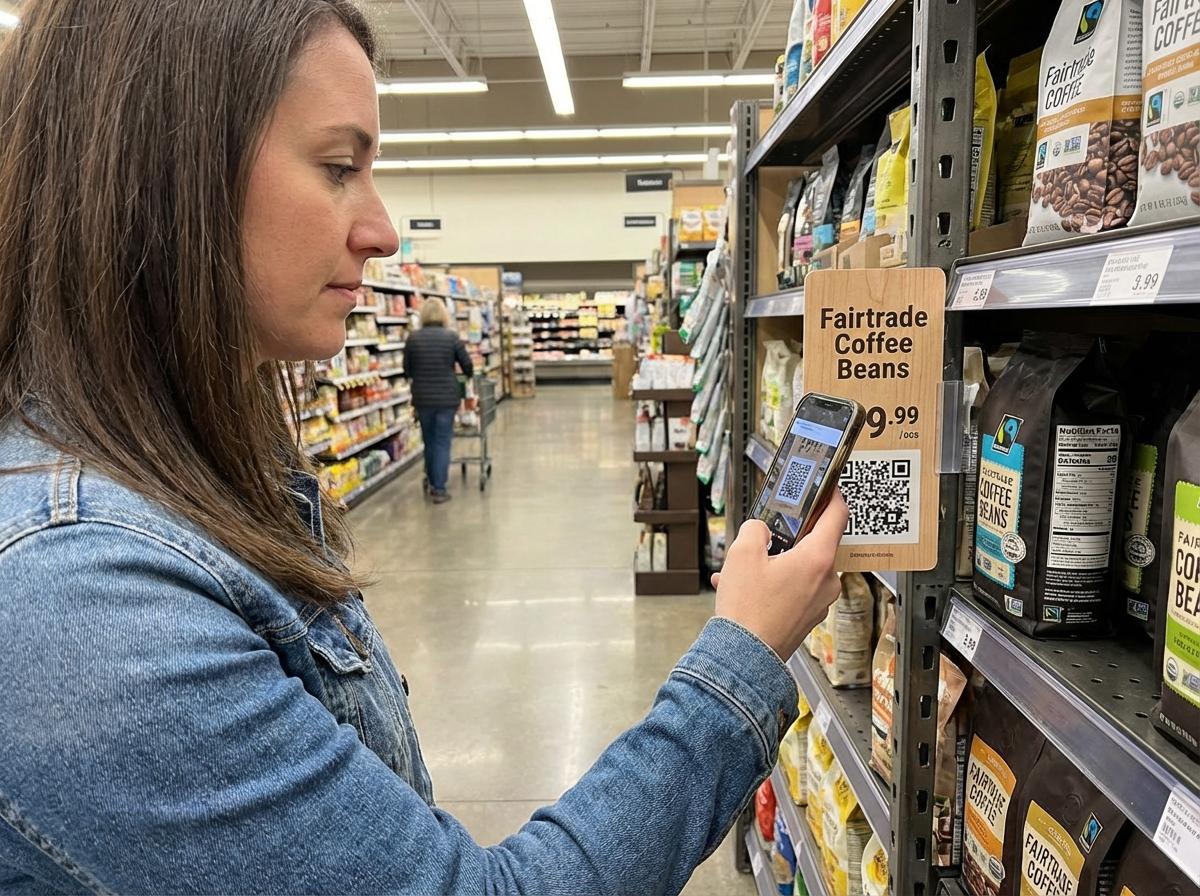
Shopper scanning a QR code in a retail aisle.
Marketing teams use QR codes to reduce friction from ad to action.

QR codes connect posters, packaging, in-store materials, and print media to digital destinations.

They reduce friction compared to manually typing long URLs.

Related internal pages

QR code for websiteDynamic QR codeQR code PNG

QR codes for payments

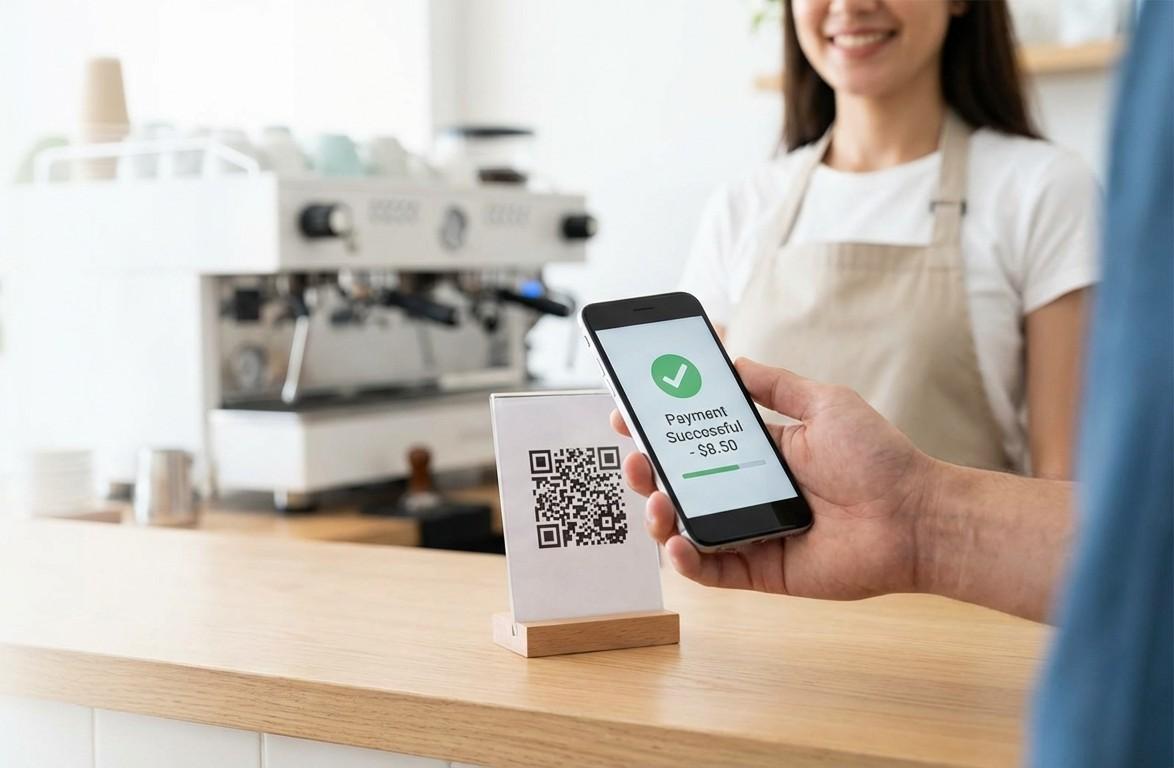
Payment confirmation after scanning a QR code.
QR payment journeys can be fast and low-friction in physical environments.

QR payment flows can be merchant-presented (customer scans) or customer-presented (merchant scans).

In Denmark, MobilePay-related flows are a strong example of low-friction QR payments.

Related internal pages

Payment QR codeMobilePay QR code

QR codes for product information

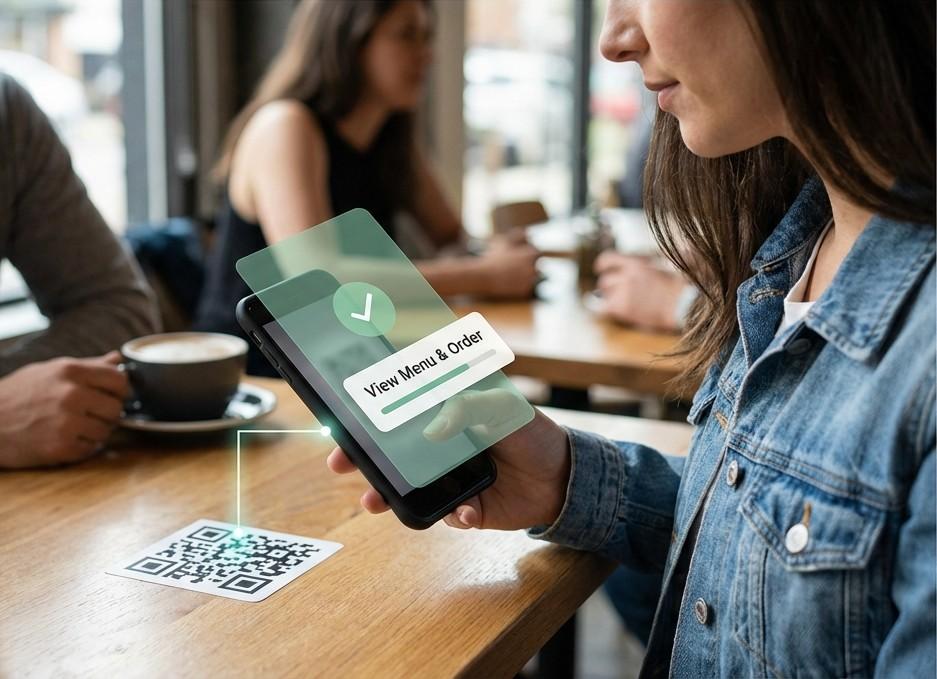
QR code used to expose richer product or menu information.
2D codes are becoming a core part of product and retail data flows.

QR codes increasingly support product transparency by linking to richer details such as usage, traceability, and brand data.

GS1 Sunrise 2027 highlights the growing role of 2D codes in retail workflows.

Related internal pages

Industry page: Retail and campaigns

Benefits

QR codes offer clear operational and user benefits:

  • - Fast access to relevant digital content
  • - Flexible bridge between physical and digital channels
  • - High resilience due to error correction
  • - Broad applicability across sectors

Drawbacks and common pitfalls

The biggest failure is usually not the code itself, but the post-scan experience.

If users land on slow or irrelevant pages, performance drops quickly.

Security: quishing and fake QR codes

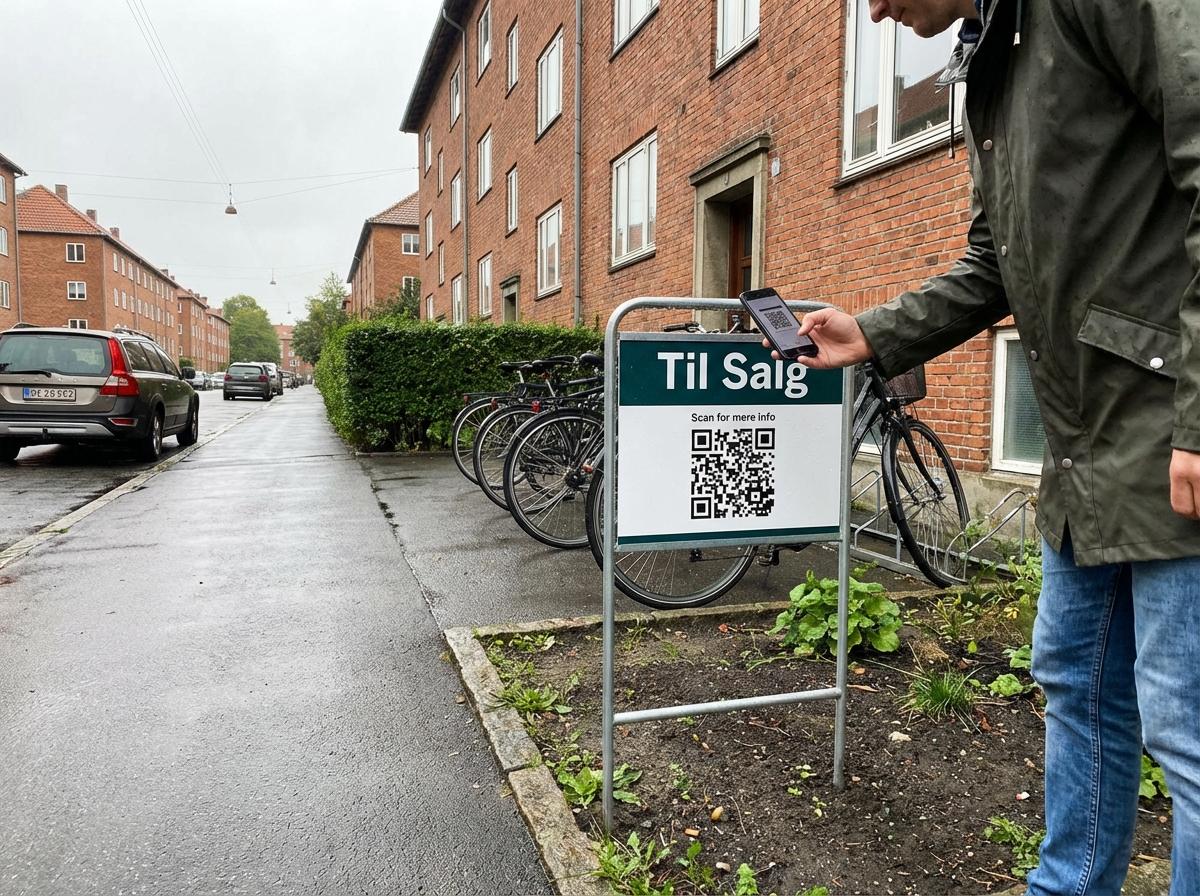
Static QR code in public environment where tampering risk exists.
Safer QR usage starts with source validation and destination checks.

QR codes can be abused in phishing campaigns (quishing), where users are redirected to fake websites to steal credentials or payment data.

For public-sector guidance, see SikkerDigital's phishing and smishing guidance.

Safer usage includes source validation, link checks, and caution with sensitive data entry.

Why QR codes are still relevant

QR codes remain highly relevant because they create a direct path from physical context to digital action.

They save time, lower friction, and scale well across campaigns, operations, and customer journeys.

Conclusion

Event visitors using QR codes for check-in and access flows.
QR success depends on both code quality and post-scan experience.

QR codes are simple, effective, and versatile when paired with clear and trustworthy destinations.

The code matters, but the full user experience after scan matters even more.

Related internal pages

Try the AI QR generatorBrowse solution pagesContact us

Ready to use QR codes in production?

Launch with scan-safe design and clear post-scan journeys.

Create QR codeView pricing